
Home → Advance Keylogger Software → Screenshots
Advance Keylogger Software Screenshots

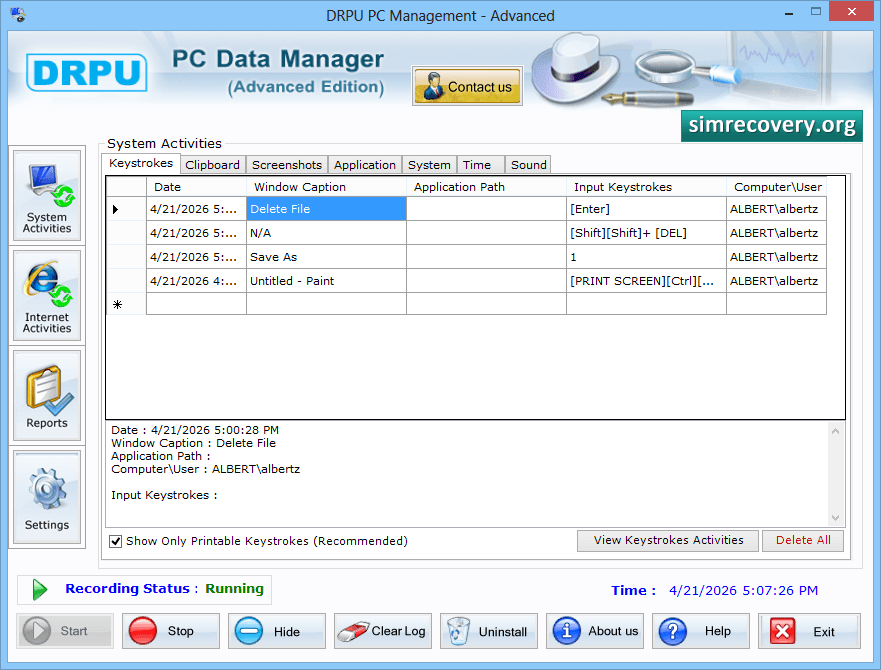
Click 'System Activities' button to view keystrokes activity, clipboard, screenshots, etc on your system.
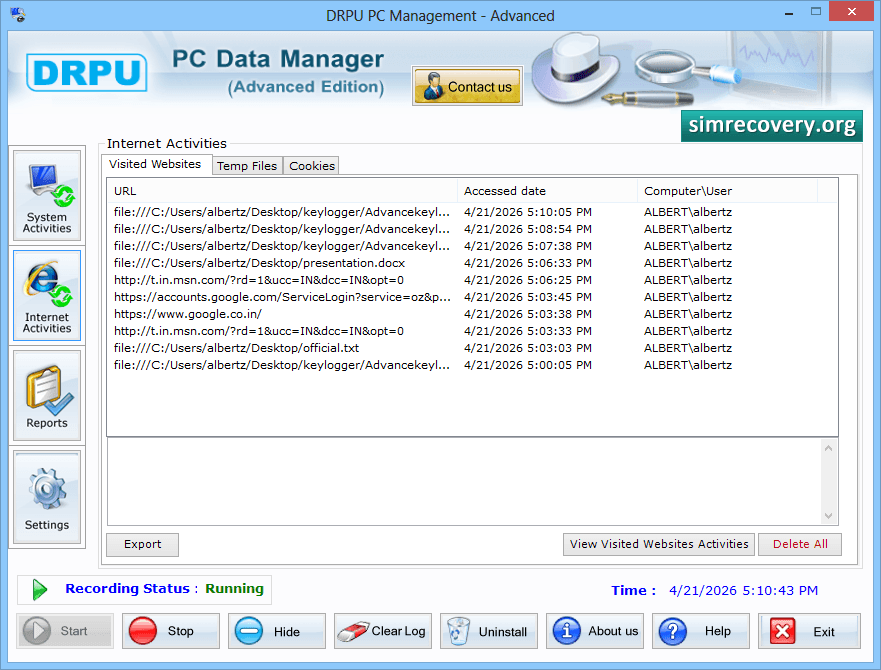
To view Cookies of visited Websites, click 'Internet Activities' button.
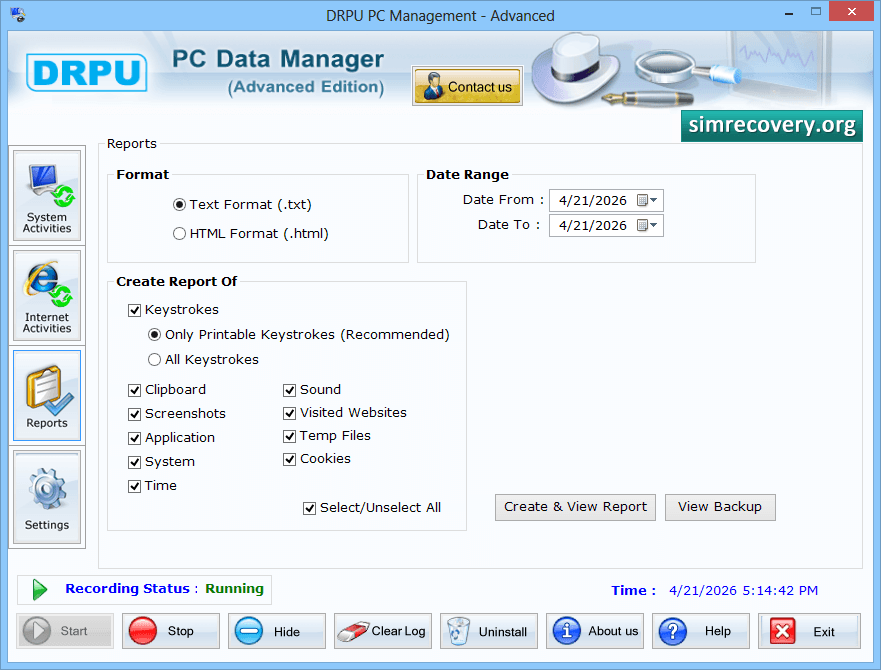
Now, Go to the 'Reports' button to generate report of recorded keystrokes in .text or .html format.
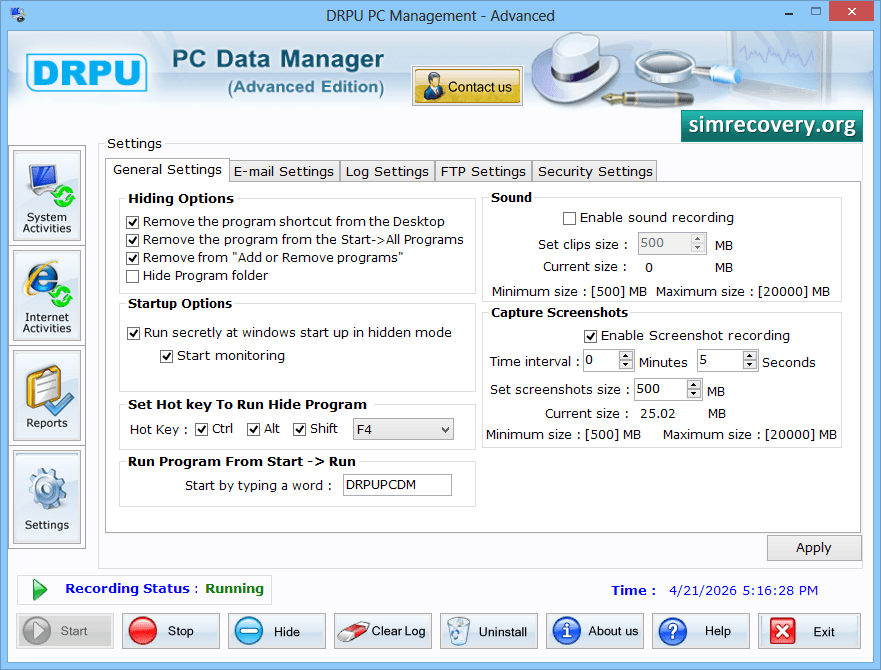
To send recorded data at users email address, click 'Email Settings' tab.
 Go Back
Other Software ❯❯❯


